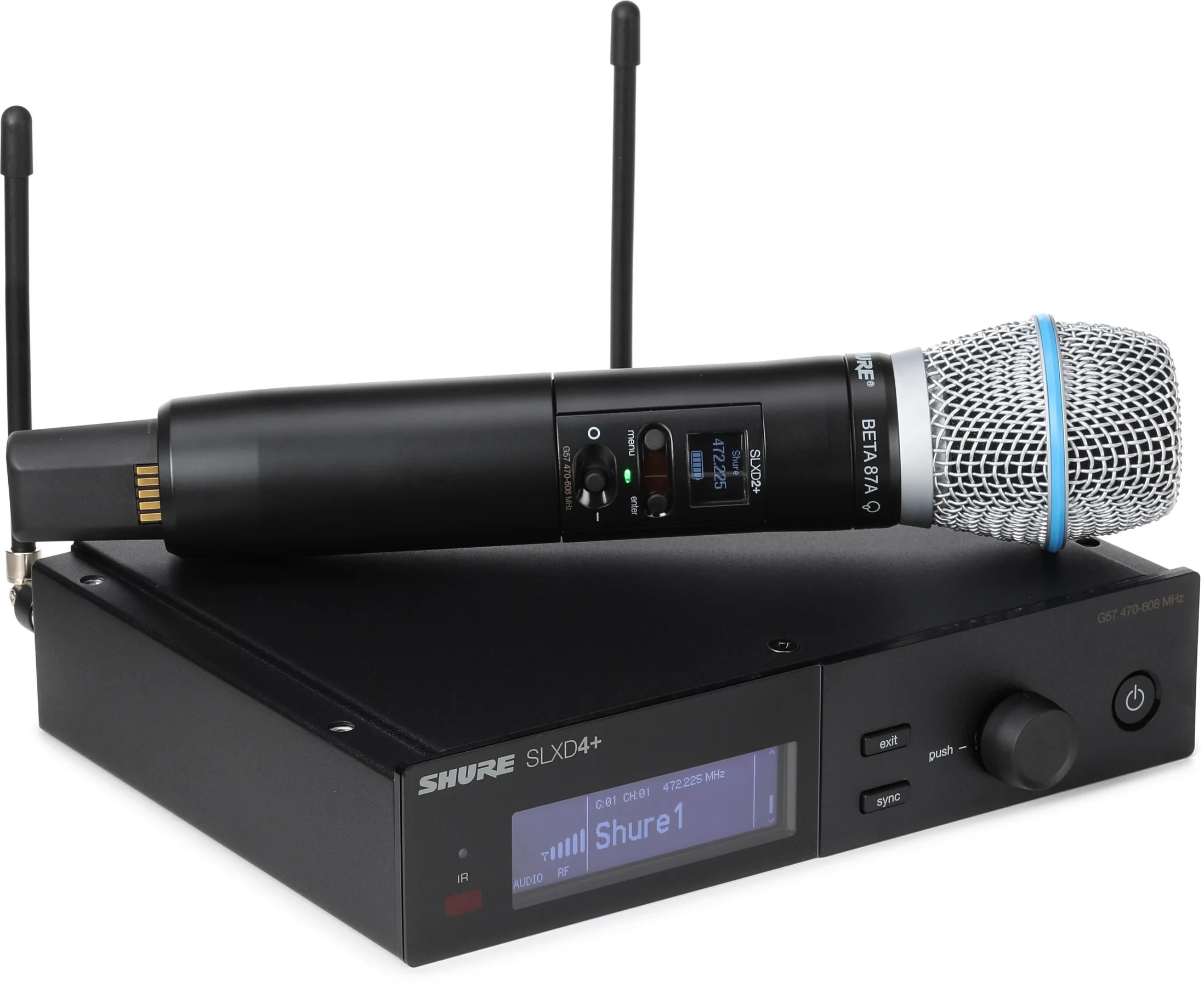
In the world of live event production, few things provide as much freedom—or carry as much inherent risk—as wireless audio. Cutting the cords allows vocalists to command the stage, presenters to move naturally, and stage crews to keep the performance space clean and hazard-free.
But behind every wireless microphone, in-ear monitor (IEM), and wireless instrument pack is an invisible battlefield.
Unlike a copper audio cable, which is completely isolated from the outside world, wireless audio signals share the open air with thousands of competing transmissions. From local television broadcasts to cellular data networks, the radio spectrum is incredibly crowded. If your sound company isn’t actively managing that spectrum, your event is a ticking time bomb for dropouts, static, and deafening bursts of interference.
Here is a deep dive into how RF (Radio Frequency) engineering works, why wireless systems fail, and how professional production crews keep the signals crystal clear.
1. The Anatomy of an RF Drop-Out
To fix wireless issues, you first have to understand why they happen. A drop-out occurs when the receiver at the mixing position loses its lock on the transmitter’s signal from the stage. This usually happens for one of three reasons:
- Multipath Interference: Radio waves bounce off walls, metal roof trusses, and concrete pillars. When these reflected waves arrive at the receiver’s antennas a fraction of a millisecond later than the direct wave, they can cancel each other out. This creates a literal “dead zone” on stage where a microphone will completely cut to silence.
- Intermodulation Distortion (IMD): When you turn on multiple wireless transmitters simultaneously, their signals actually interact with each other in the air and inside the hardware components. This interaction generates new, unintended phantom frequencies. If one of these phantom frequencies happens to land on the channel assigned to your lead singer’s mic, it will cause severe interference.
- A Cavern of Water: Human bodies are composed mostly of water, which happens to be highly effective at absorbing RF energy in certain bands. A wireless system that works perfectly in an empty room during soundcheck can completely fail the moment a crowded room of attendees stands up between the stage and the wireless rack.
2. Reading the Invisible Airspace: RF Scanning
You cannot fix what you cannot see. A professional live audio crew never rolls into a venue, turns on a wireless rack, and hopes for the best.
Before assigning any channels, engineers utilize specialized RF spectrum analyzers or network-connected wireless receivers to scan the local airspace.
[RF Scanner] ---> Captures Local Airwaves ---> Maps Out TV Station Spikes | Identifies Clear "Valleys" for Safe Audio TransmissionThis scan generates a visual map of the radio frequencies currently bouncing through the venue. The engineer looks for the “noise floor”—the baseline level of background radio chaos—and identifies the deep, clean valleys between massive spikes of local digital TV stations and emergency frequencies.
3. The Coordination Matrix: Digital Tools
Once the scan data is collected, it is imported into coordination software like Shure Wireless Workbench. The software runs complex mathematical algorithms to calculate safe, intermodulation-free frequency paths.
| Step in Coordination | What the Software Calculates | Why It Matters |
| Frequency Exclusion | Maps out and blocks known local TV broadcast bands. | Prevents your microphones from fighting massive multi-kilowatt television transmitters. |
| Spacing & Padding | Calculates the necessary “breathing room” between channels. | Ensures your lead vocal mic doesn’t bleed into your acoustic guitar pack. |
| Fallback Channeling | Pre-calculates extra, clean backup frequencies. | If a piece of unexpected outside interference strikes mid-show, the tech can instantly swap to a clean backup. |
4. Hardware Optimization: More Than Just Antennas
Having a perfectly coordinated frequency sheet won’t save a show if the physical hardware is poorly deployed. Proper RF distribution is a core pillar of a rock-solid live audio setup.
Directional Antennas (Paddles)
Standard omnidirectional “whip” antennas pick up radio signals from all directions, including the interference bouncing around from the street outside. Professional crews use directional antennas (often called paddle or helical antennas). These act like spotlights, focusing their receiving sensitivity directly on the stage while rejecting background noise from the rear.
Antenna Distribution Amps
If you have 8 wireless receivers, you shouldn’t have 16 small whip antennas sticking out of your rack. This creates massive antenna cross-talk. Instead, professional racks route all receivers into a single antenna distribution amplifier. This clean system splits the master signal from a single pair of high-quality external paddles out to all your receivers seamlessly, preserving maximum signal strength.
Bulletproof Audio for Your Venue
The difference between an amateur production and a professional showcase comes down to what happens in the invisible spaces. Managing radio frequencies requires specialized tools, mathematical calculations, and constant vigilance throughout an event.
At Stonehenge Sound, we take wireless audio seriously. Whether we are coordinating complex multi-microphone panels for corporate keynotes or managing a dozen channels of wireless instruments and in-ear monitors for a festival stage, our team ensures your audio remains completely locked in.
Leave a Reply